This gives you an additional layer of confidence in the vehicle’s mechanical condition beyond what photos and text can convey.
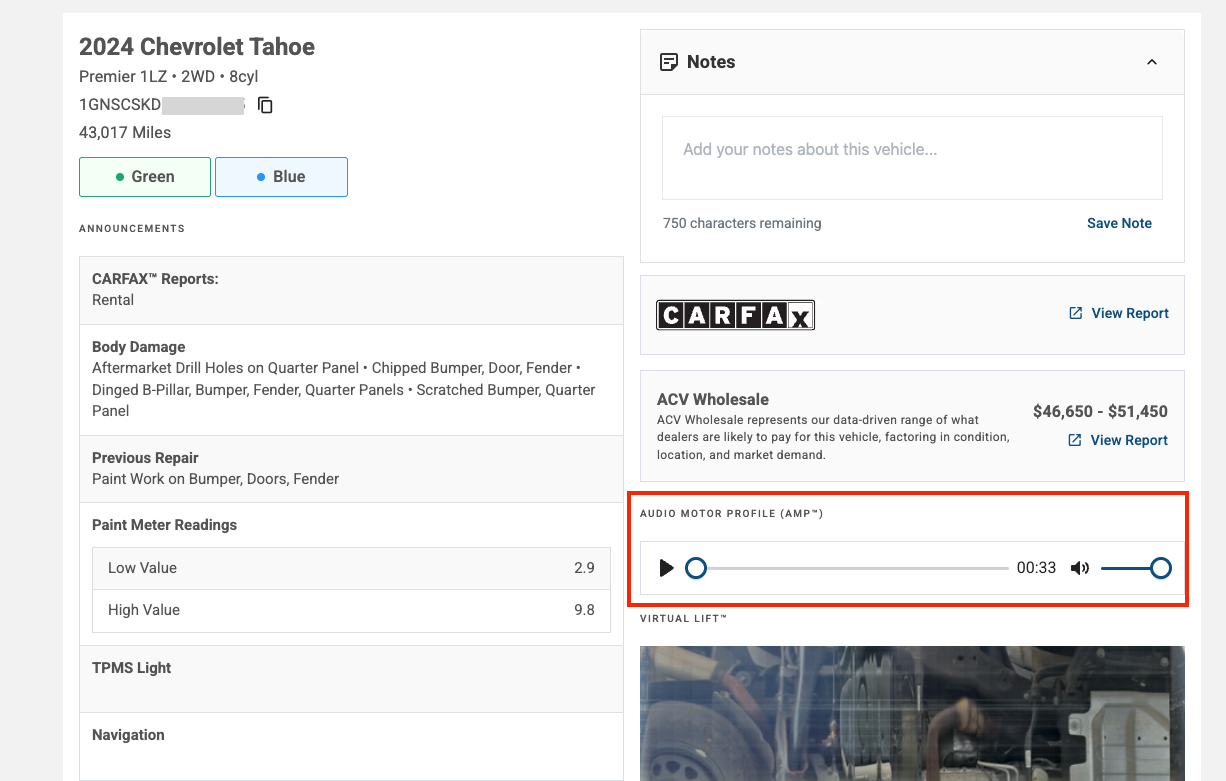
The AMP recording captures the engine running under controlled conditions at the time of inspection. You can hear idle quality, any unusual sounds (ticks, knocks, rattles), and general engine health. This is especially useful for evaluating higher-mileage units or vehicles where mechanical condition is a key factor in your bidding decision.
No AMP section appears in the Condition Report. AMP is not available on every vehicle. Availability depends on the inspection type ordered by the seller. If AMP is not listed, it was not recorded for that vehicle.
Audio will not play. Check that your device volume is on and that your browser allows audio playback. Try a different browser or the ACV mobile app if the issue continues.
Need more help? Visit our Support Center or call 1-800-553-4070. Phone support is available Monday-Friday 9am-10pm ET and Saturday 9am-2pm ET.


