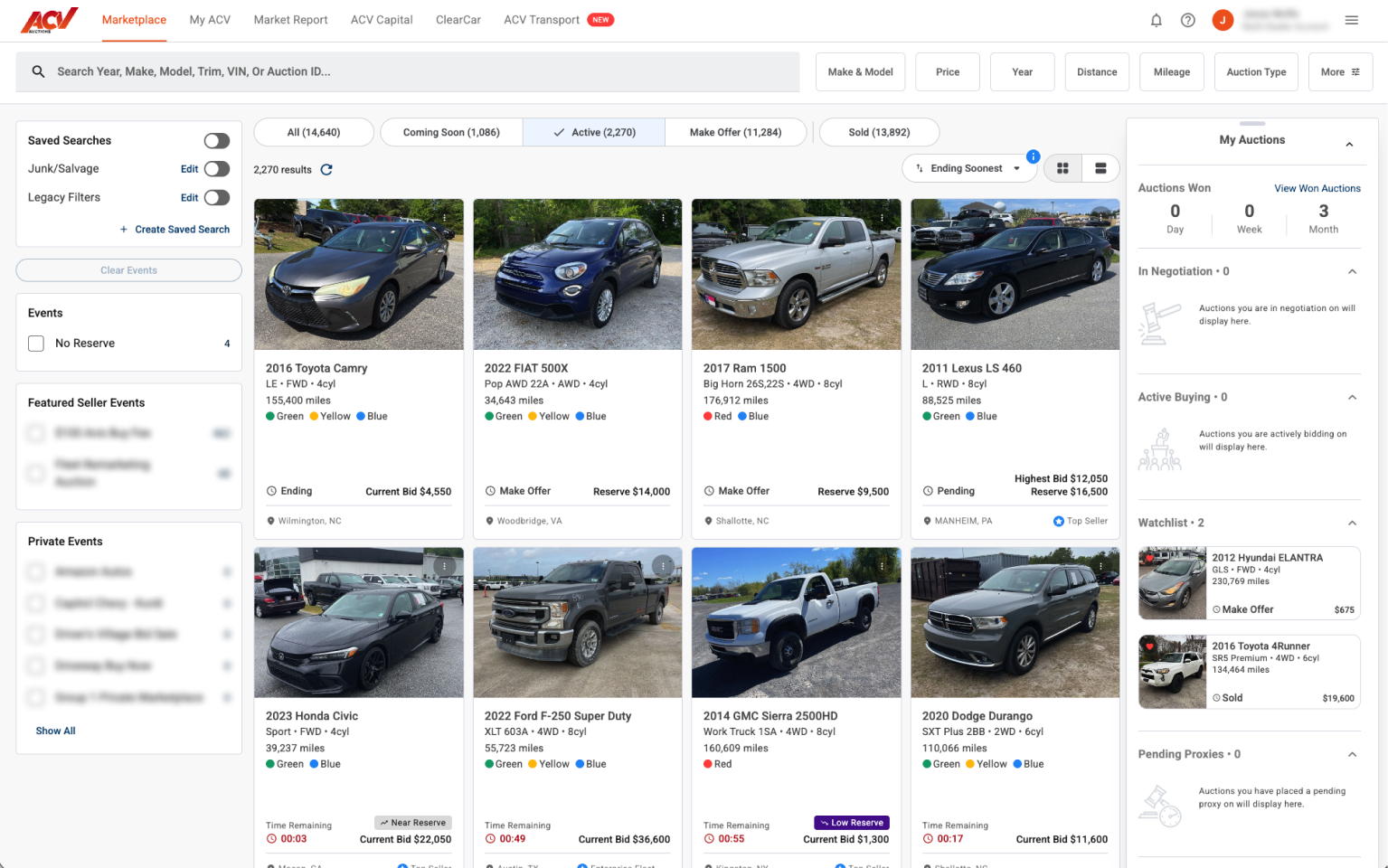
From the Marketplace, find the vehicle you want to bid on.
From the Marketplace, find the vehicle you want to bid on.
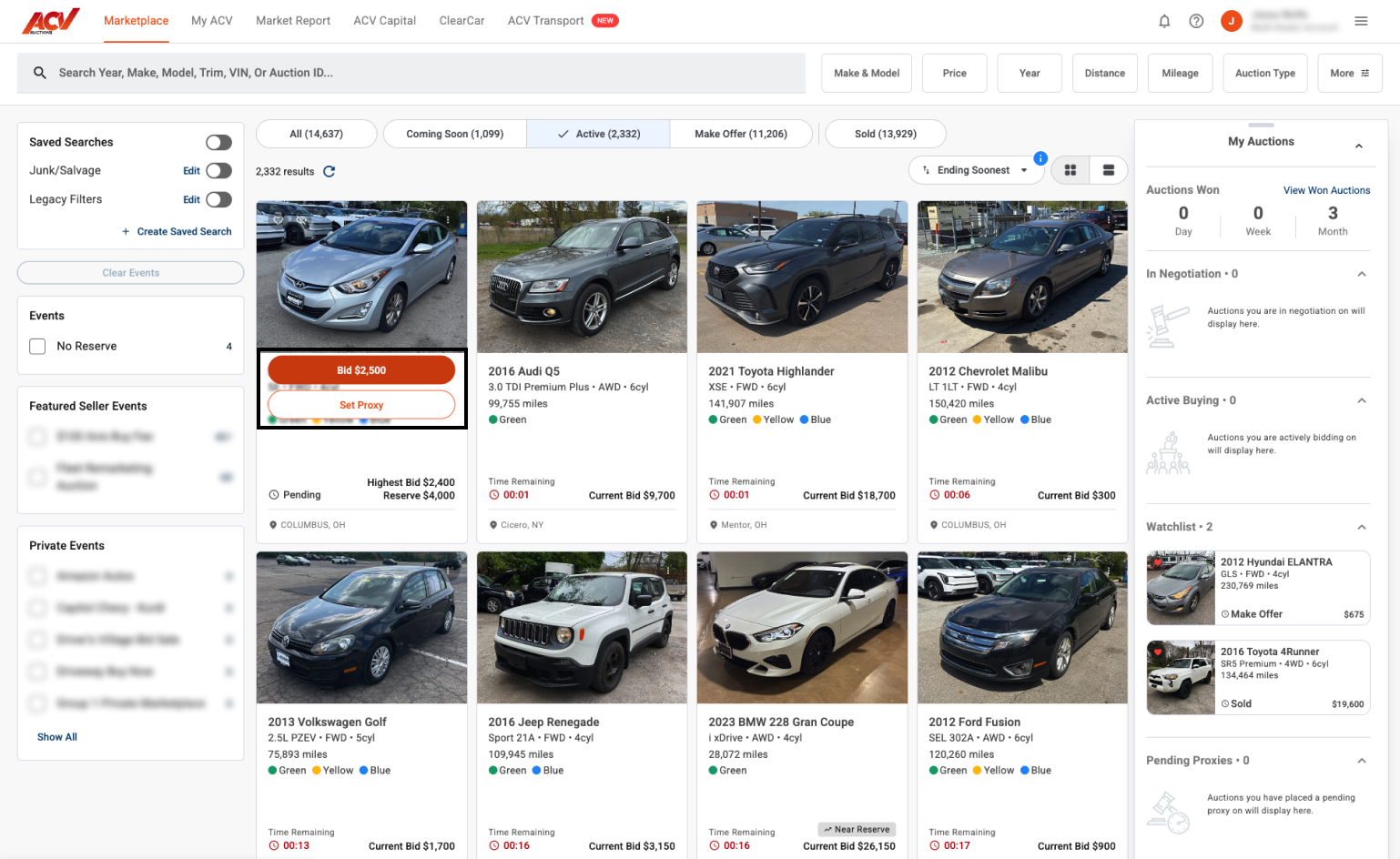
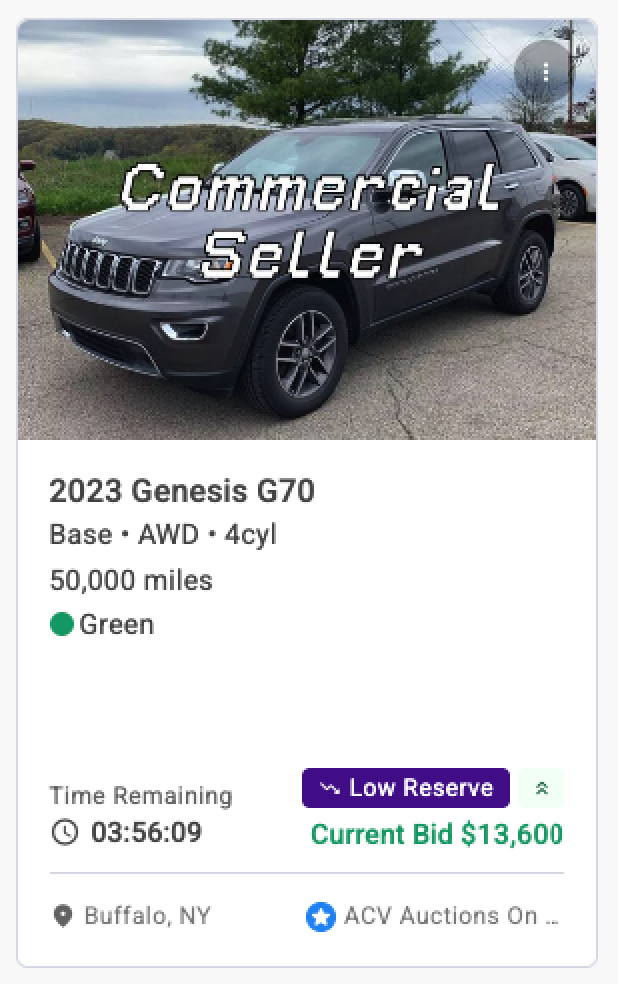
On the vehicle card, select Bid $[amount] to place the next increment bid immediately.
When a bid is submitted, a confirmation message appears, and you will become the highest bidder on that sale. The vehicle will also be added to your watchlist.
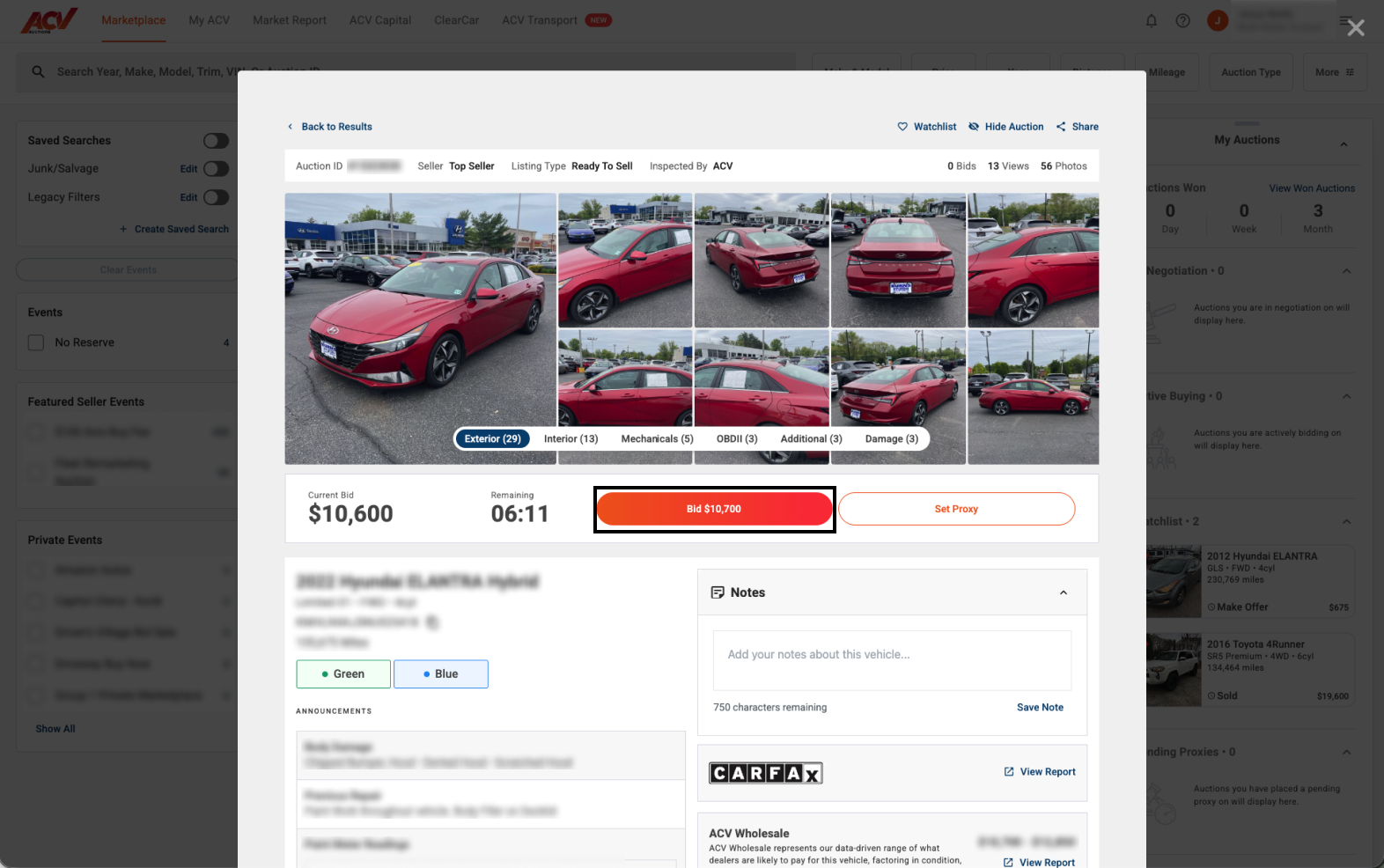
To open the full Condition Report first, click the vehicle card, review the details, then select Place Bid from within the report.
Reserve status
Reserve not met – the current bid is below the seller’s minimum. The seller is not obligated to sell.
Reserve Met – the floor price has been reached. The vehicle will sell to the highest bidder when the auction ends.
Different Auction Types
Active (Ready to Sell): If you are the high bidder and are under the floor price, the seller has 6 hours after the live auction ends to accept, decline, or counter your high bid before it expires.
Live Appraisal: The seller has 72 hours to accept or decline your high bid.
Coming Soon: This feature allows you to place proxy bids on vehicles before the auction starts or favorite the vehicle to place a bid on later.
No Reserve: Bid or set a proxy
Buy Now: You will see this option on the listings where the seller sets a Buy It Now price.
Ended Auctions: If you place a bid on an ended auction, that bid is good for 24 hours and the account management team will reach out to the seller on your behalf.
Need more help? Visit our Support Center or call 1-800-553-4070. Phone support is available Monday-Friday 9am-10pm ET and Saturday 9am-2pm ET.