Export is available for your Won (purchases), Sold, and Saved (seller inventory) views, making it easy to reconcile records or analyze your auction activity.
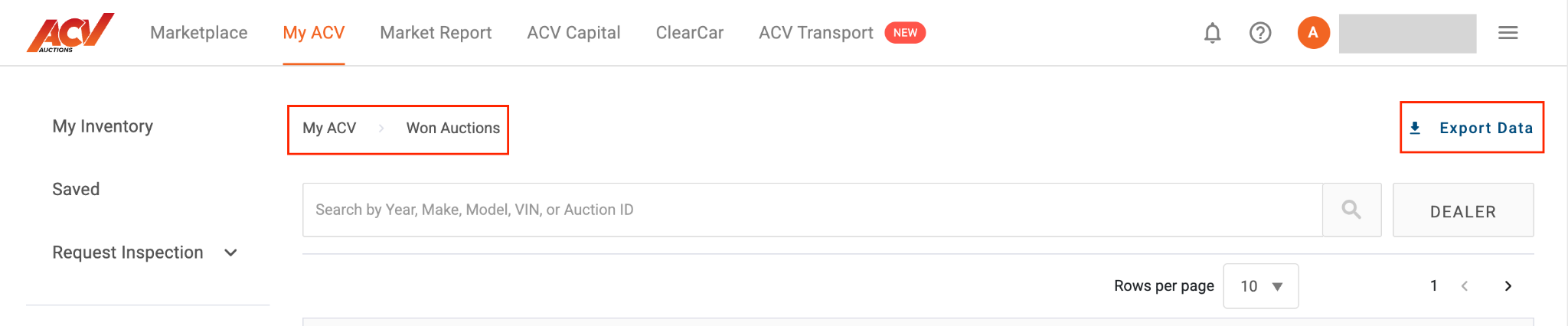
The exported file includes vehicle details, transaction amounts, dates, and other relevant fields for the records in the selected view. You can open the file in Excel, Google Sheets, or any spreadsheet application.
The Export Data button is not visible. Make sure you are in the list view for Won, Sold, or Saved. Some views or filters may hide the export option. Try clearing any active filters and refreshing the page.
The download does not start. Check your browser’s download settings and make sure pop-ups or downloads are not being blocked. Try a different browser if the issue continues.
Need more help? Visit our Support Center or call 1-800-553-4070. Phone support is available Monday-Friday 9am-10pm ET and Saturday 9am-2pm ET.


