

Only administrative Primary Contacts can add new users to accounts. If you're not the Primary Contact on an account, you should reach out to the Primary Contact to get added!
1. Log into Marketplace and navigate into MyACV.
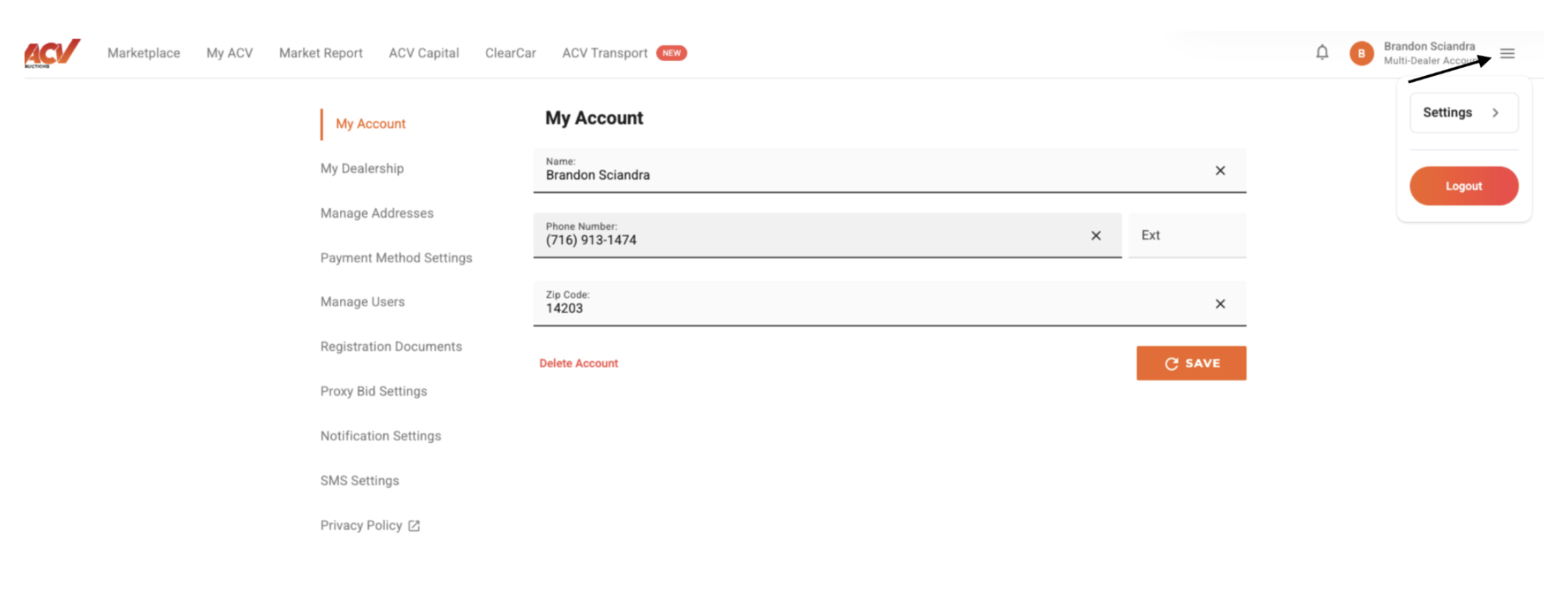
2. In the upper right-hand corner of your MyACV screen, you’ll see three horizontal lines (AKA - "hamburger menu"), click those. Then click "Settings."
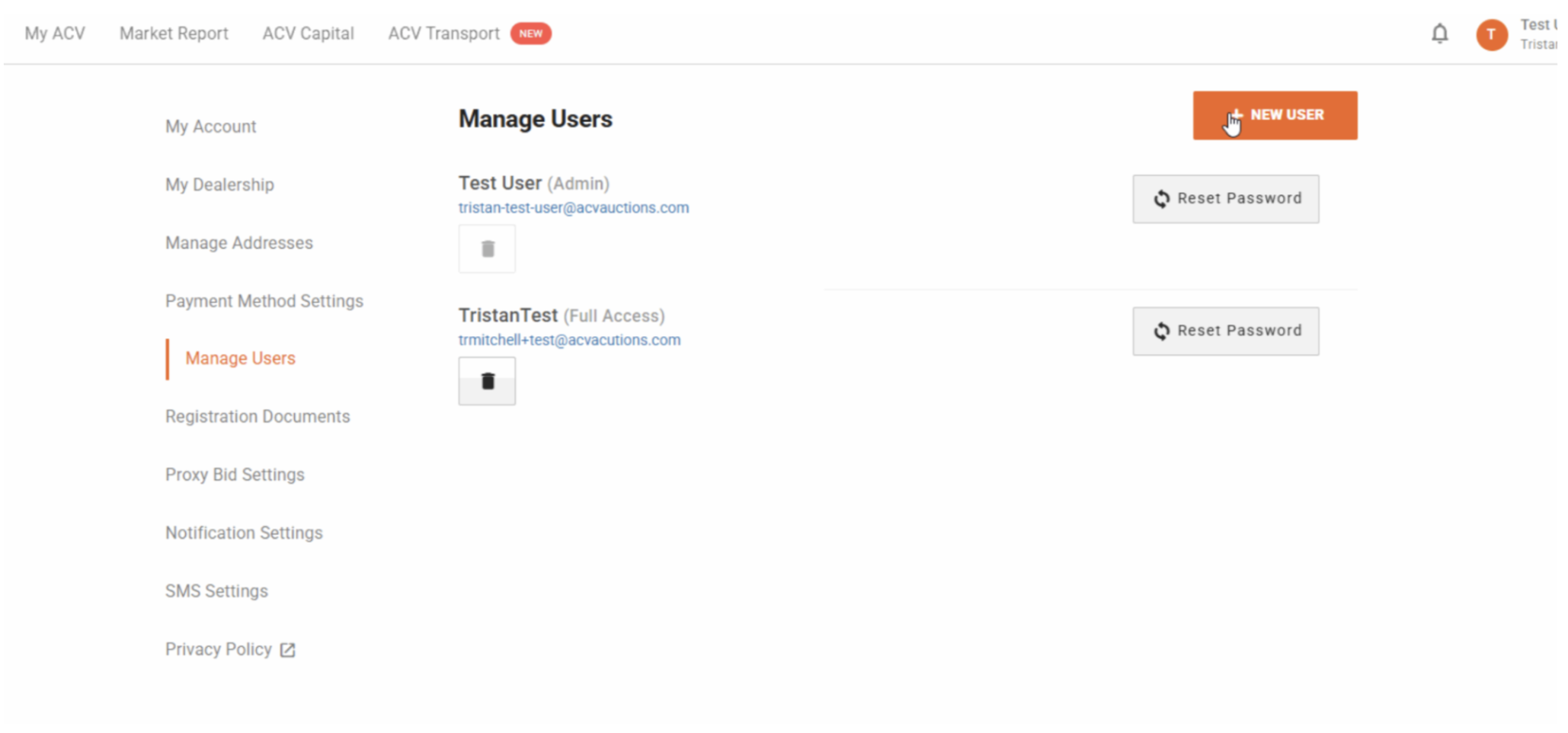
3. On the left hand side, select the tab "Manage Users" and "New User"
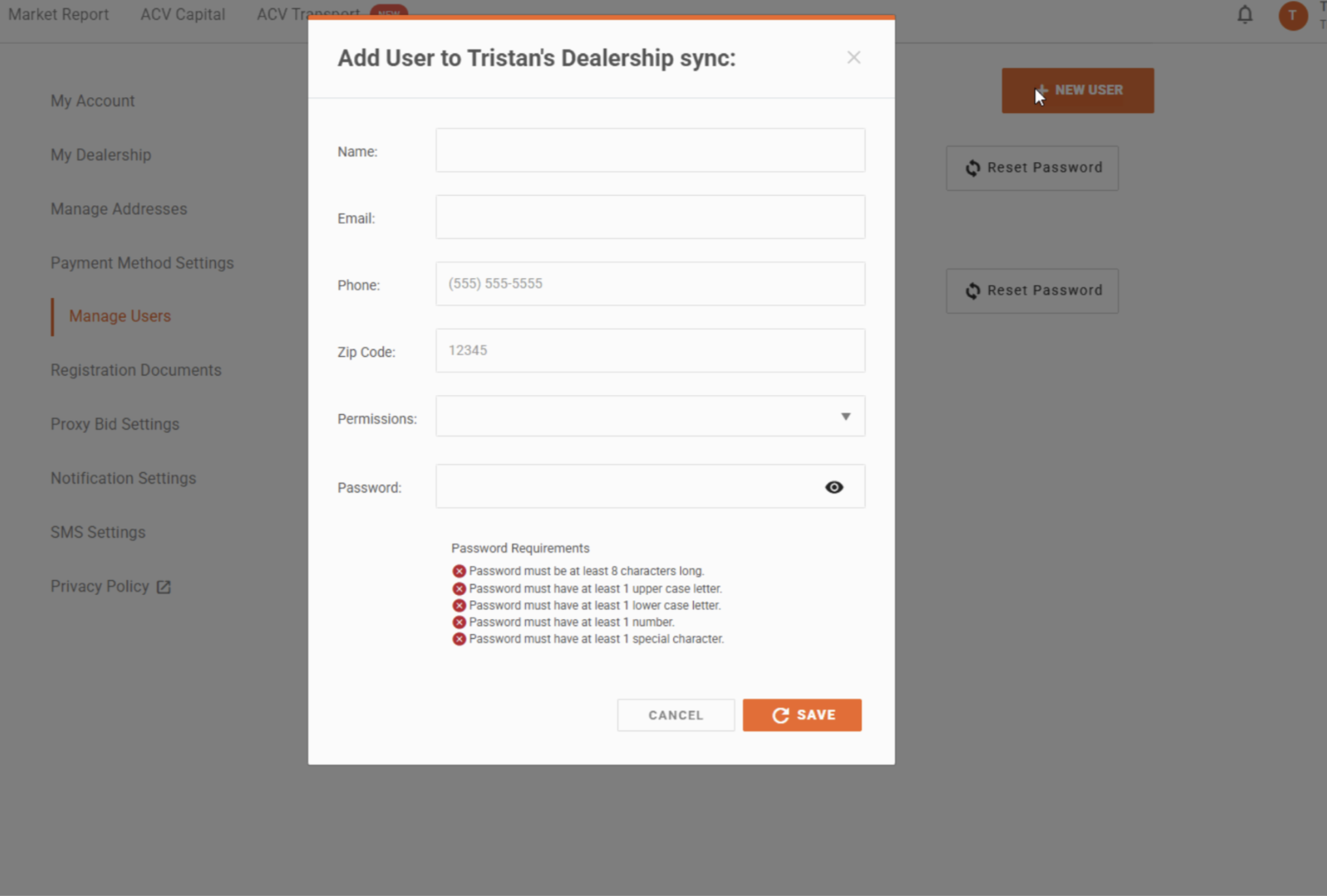
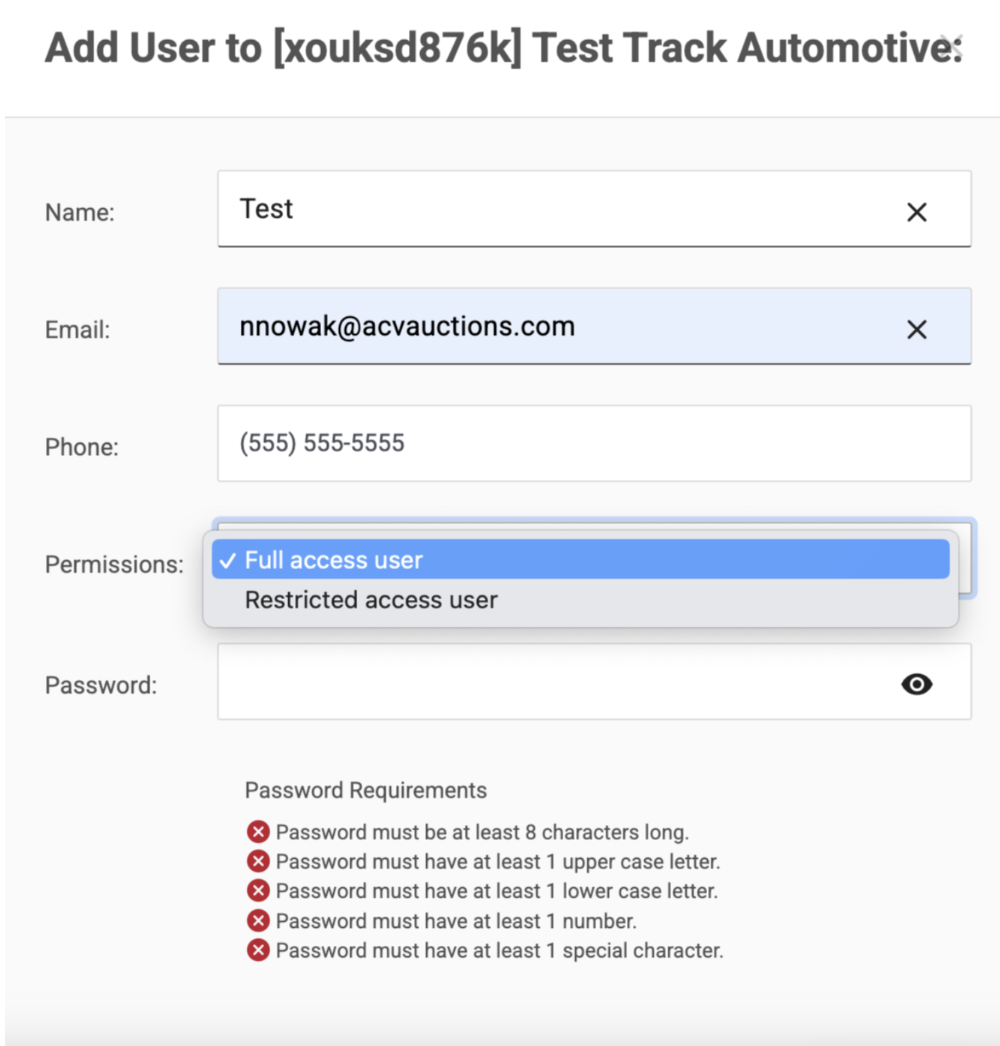
4. Select the appropriate permissions for the user being added.
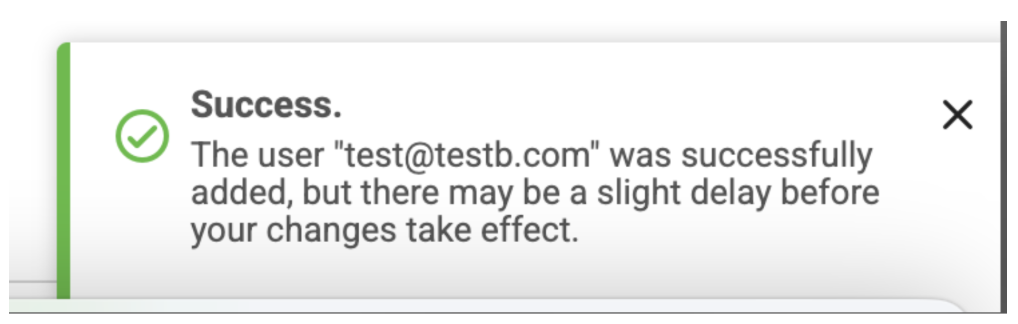
5. Once added, you will receive a confirmation message on the bottom right hand corner of your screen.
ACV Customer Service
📧 service@acvauctions.com
📞 1-800-553-4070 (Option 4)
💬 Chat with us in MyACV!


