/
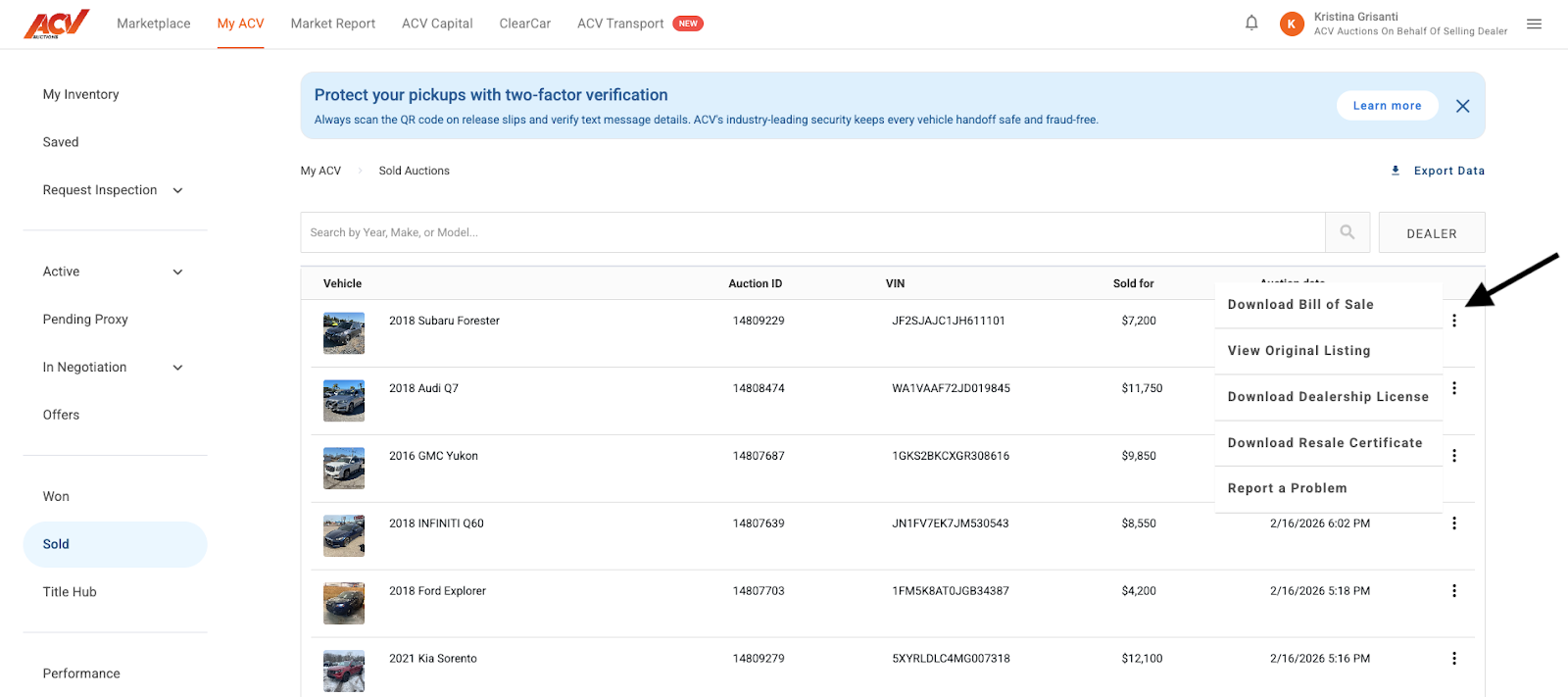
Downloading a Dealer License & Resale Certificate using MyACV
Learn how to print a prepaid shipping label to send your title to ACV.
After submitting a claim, we'll validate it and determine if it qualifies for resolution.
Go Green protects the seller against a valid arbitration claim.
Purchase Protection+ lets a buyer return a vehicle for a valid arbitration claim and extends the arbitration window.
Extended Assurance extends a buyer's arbitration window by 10 or 20 calendar days.
Learn whether your Late Title Notice request will be accepted based on our qualifications.
Follow these quick and easy steps to get reps and back office users added to your ACV account
Once a vehicle has been inspected and conditioned, you can list it on the ACV Marketplace in a few steps.
The Saved section of My ACV is your seller inventory dashboard.
Title Hub is where you monitor the status of title transfers for every vehicle you have purchased on ACV.
Won Auctions is your record of every vehicle you have successfully purchased on ACV.
The Offers section tracks all Make Offer activity on the buying side.
My ACV gives you a single view of every auction where you currently have a bid.
Auction Events are curated sales tied to specific sellers, fleet programs, or auction formats.
You can download spreadsheet exports of your transaction history directly from My ACV.
Need help understanding the buyer fee on each vehicle you purchase through the platform?
If you have forgotten your ACV password or are locked out of your account
If a vehicle does not fit your buying criteria, you can hide it from your Marketplace feed so it stops appearing in your results.
AMP (Audio Motor Profile) lets you hear a high-definition recording of the vehicle’s engine before you place a bid.
The Coming Soon run list is a preview of vehicles that are scheduled to go live in an upcoming auction.
ACV’s search and filter tools help you narrow the Marketplace to the exact inventory you want. Filters can be saved so you don’t have to set them again.
The Marketplace is where you find, filter, and bid on vehicles available across ACV’s auction network. Auctions are organized by status and can be sorted and filtered to match what you’re looking for.
A proxy bid lets you set the maximum amount you are willing to pay. ACV will automatically bid on your behalf in $50 increments up to that amount, so you don’t have to watch the auction in real time.
Bidding on ACV happens in real time. Bids are placed in $100 increments and are binding. Before bidding, confirm you have a payment method set up on your account.
A clear, concise guide to help buyers understand arbitration eligibility and disclosure standards on ACV Auctions.
The Watchlist lets you bookmark vehicles you want to monitor without placing a bid immediately. You can watch and bid from the Watchlist at any time before the auction closes.
Need to report an issue with a purchased unit? MyACV makes it quick and easy to report problems. This guide will walk you through the steps for submitting an issue and help ensure it gets resolved as quickly as possible.
Interested to learn more about America's fastest growing floorplan? Follow these quick and easy steps to sign up for ACV Capital today!
Introducing our unique Guaranteed Sale program, designed to provide sellers with confidence and consistent returns on their inventory. This program ensures that your aggregate sales over a defined period meet a specific value, with "true-up" payments from ACV if needed. Stay on top of your performance and understand how your payouts are calculated.
Congratulations on your recent win in ACV Marketplace! This guide will walk you through the essential steps to finalize your purchase, including managing checkout options and confirming payment.
Stay informed about your inspection requests! This guide will show you how to quickly and easily track the status of all your pending inspections directly within your ACV Marketplace account.
Need to schedule an inspection for a vehicle? Our streamlined process in ACV Marketplace makes it quick and easy to submit your request. Follow these simple steps to get started!
Accessing a detailed history of your transactions is crucial for dealership management and record-keeping. This article will guide you through the simple steps to generate reports for units you've purchased ("won") and units you've sold directly from your MyACV account.
Welcome! This guide provides step-by-step instructions on how to report an abandoned vehicle within ACV Marketplace. This process is essential to ensure accurate record-keeping and facilitate resolutions when a vehicle remains unpicked up after a designated period.
This guide explains how to add or update a delivery or pickup address in your MyACV account to ensure accurate delivery and smooth pickup for your ACV Marketplace transactions. Please note, this does not cover billing address updates.
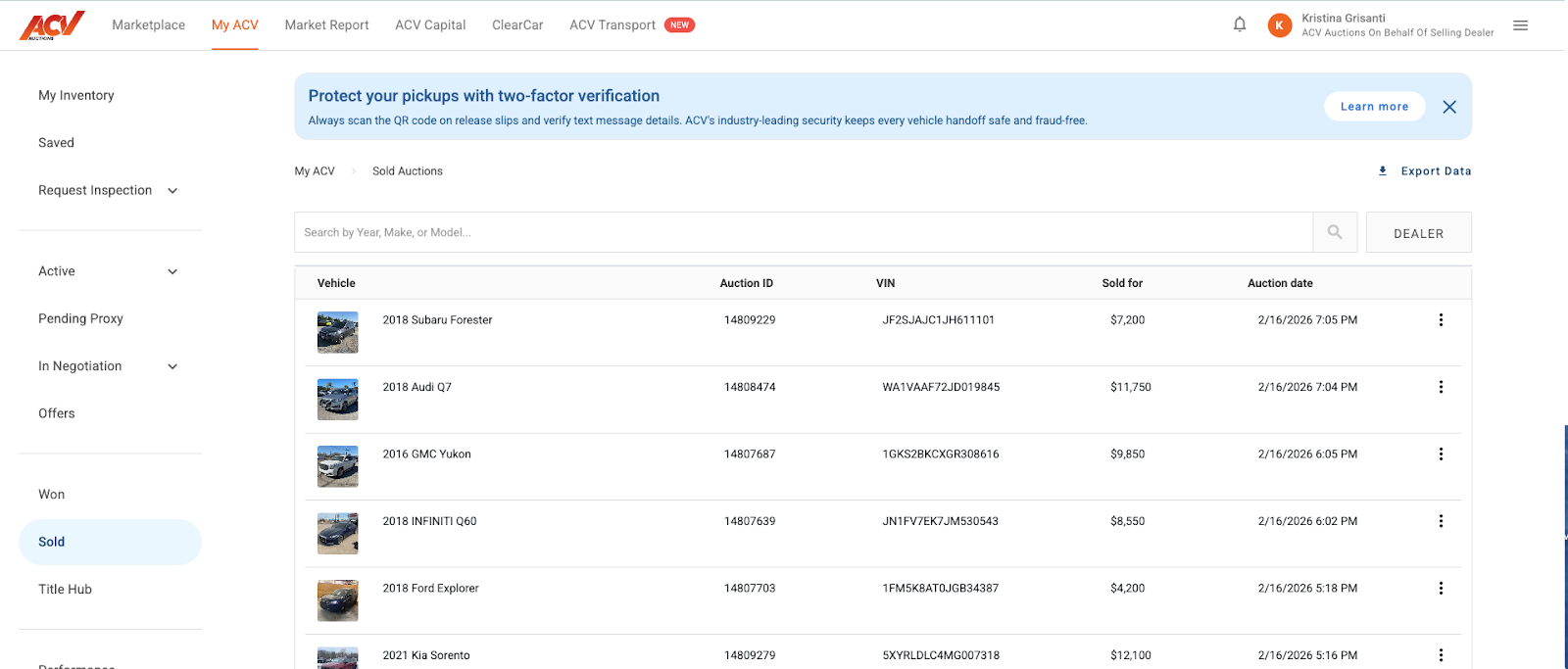
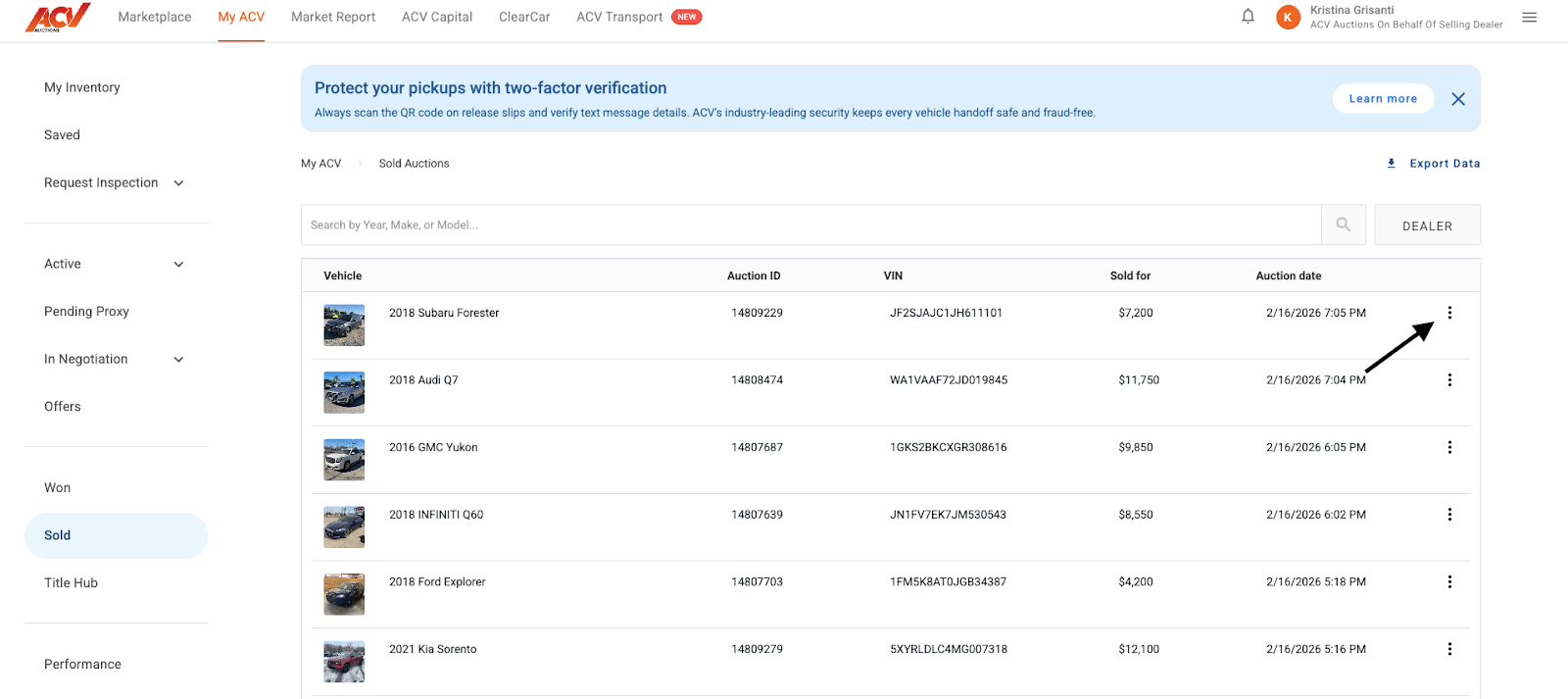
Welcome to ACV Auctions' self-service portal for accessing your Dealer License and Resale Certificate. This guide will walk you through the simple steps to download these important documents directly from your MyACV account.
Quickly & easily get quotes and book orders with ACV Transportation online!
Your new ACV Search Results Page features a modern layout and intuitive navigation, making it easy to find what matters most. Here’s a quick guide on how to use it.
Learn how to generate won/wold auction reports in MyACV
ACV Titles, uses VITU to help resolve complex title issues like lost titles quickly and efficiently.
ACV works to deliver your vehicle quickly and safely. Gate Pass access varies based on payment and account setup.
Follow these steps to ensure secure pickup.
Learn which components, conditions, and issues cannot be arbitrated.
How to Use ACV Auctions Market Report
View Offers from Buyers in MyACV
Learn How to Submit a Late Title Unwind
Place an offer on unsold auction vehicles
What are In Negotiation Auctions
Learn the requirements your arbitration claim must meet to be valid.
This guide will show you how to submit a Late Title Notice request on My ACV.
Learn how to request a title status update using the MyACV.
Having an issue with a title? MyACV allows you to report title-related problems quickly and efficiently. This guide will walk you through the process of reporting a title problem and how to ensure your issue gets resolved as fast as possible.
Everything you need to know about submitting a claim, providing evidence, and getting to a resolution!
Create a Saved Search on ACV