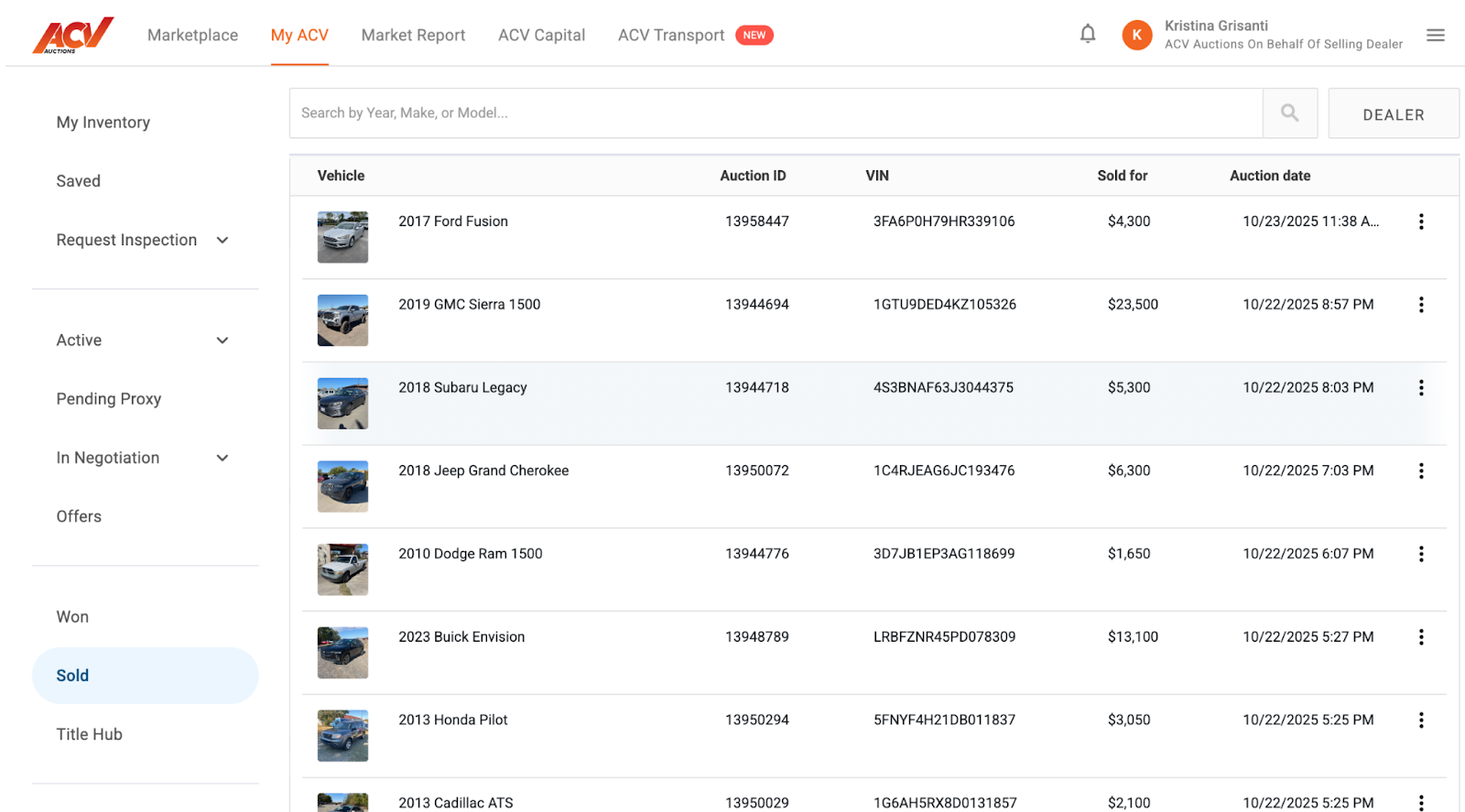
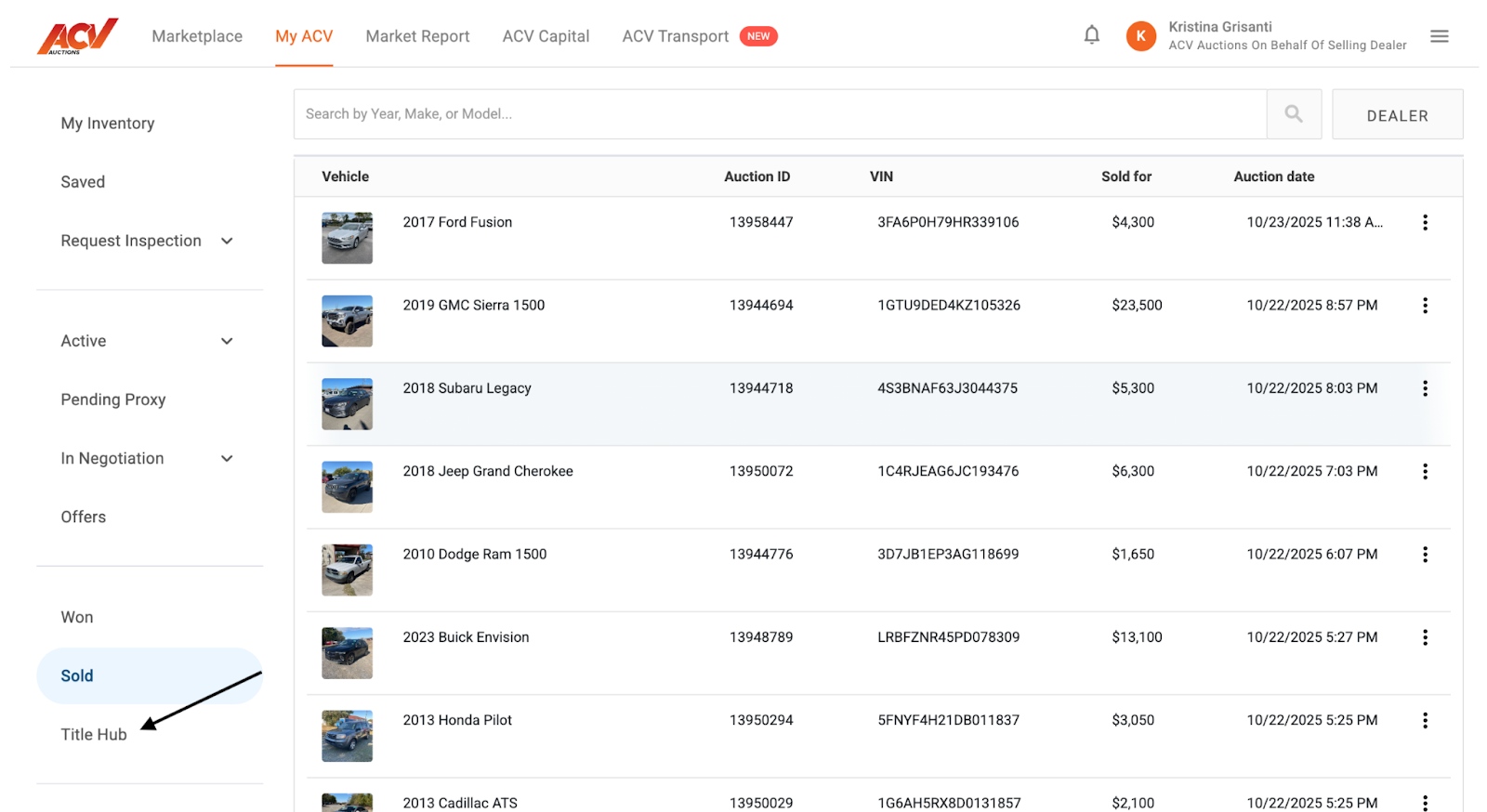
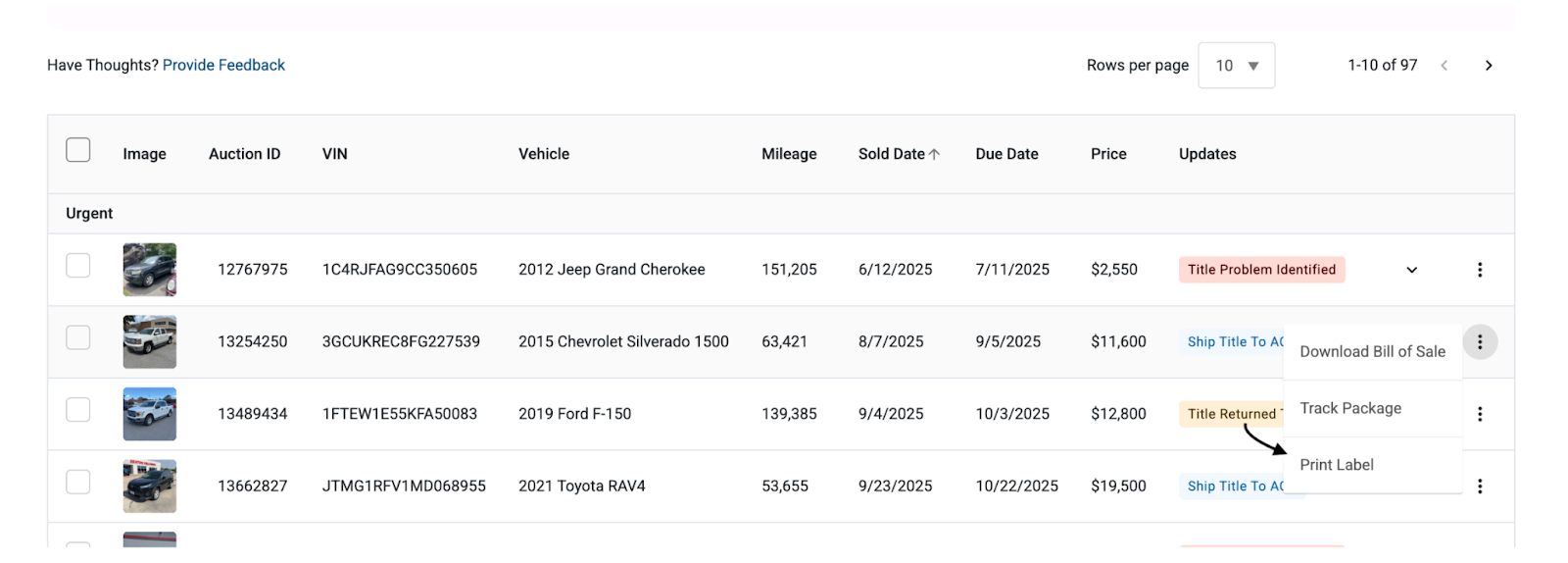
You’ve now taken the steps to print FedEx labels quickly and easily through ACV Marketplace! We believe this feature will significantly reduce the time and effort involved in shipping your vehicles. We’re committed to continuously improving your experience, so please feel free to share any feedback with our support team.
Q: Who can print FedEx labels through ACV Marketplace?
A: This feature is available to users affiliated with dealerships whose roles are designated as Back Office, Rep (Representative), or Admin.
Q: Can I save the FedEx label as a PDF before printing?
A: Yes! After generating the label, you can usually download it as a PDF document from your browser.
Q: Are there alternative shipping options to FedEx available?
A: Yes, you have the option to use UPS, USPS, or DHL. Please note that the associated costs for these carriers will be at the dealer’s expense. ACV provides complimentary FedEx shipping. If you have a preferred shipping service not listed, please don't hesitate to reach out to our support team.


